

Not just images.
See how the software works.
Try it hands-on with the unit inventory, contract files, receivables, resident requests, approvals and KPIs. All data is illustrative.
Hover, click and move through the steps as you would in real use. All data in the frame is illustrative.
Control inventory across agencies, track each unit's status and act by permission.
See Booking System & IMS features →Every developer.
Its own interface.
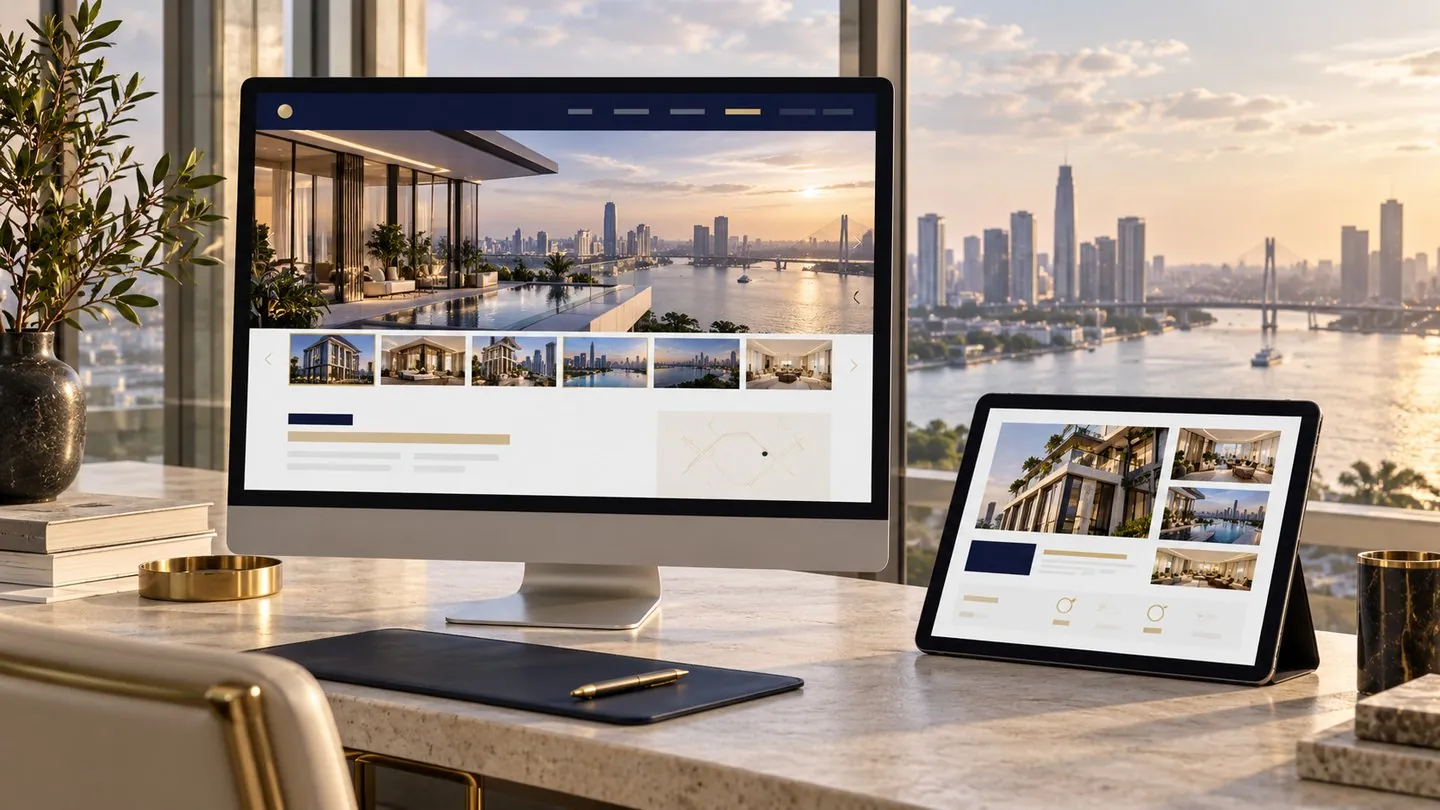
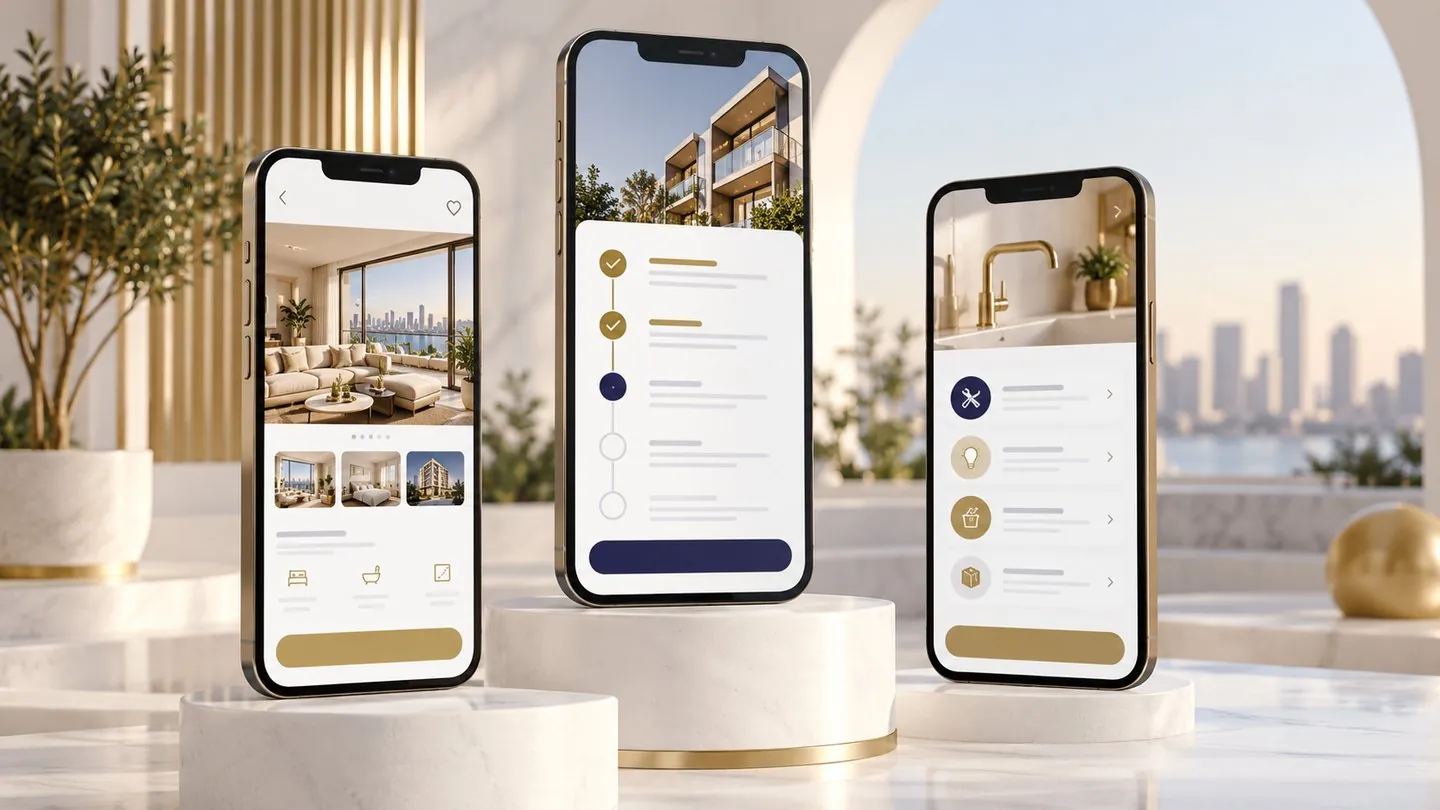
Pico designs each interface around the customer's brand identity, such as NL Living and NL Club for Nam Long. The images below illustrate the interface styles.
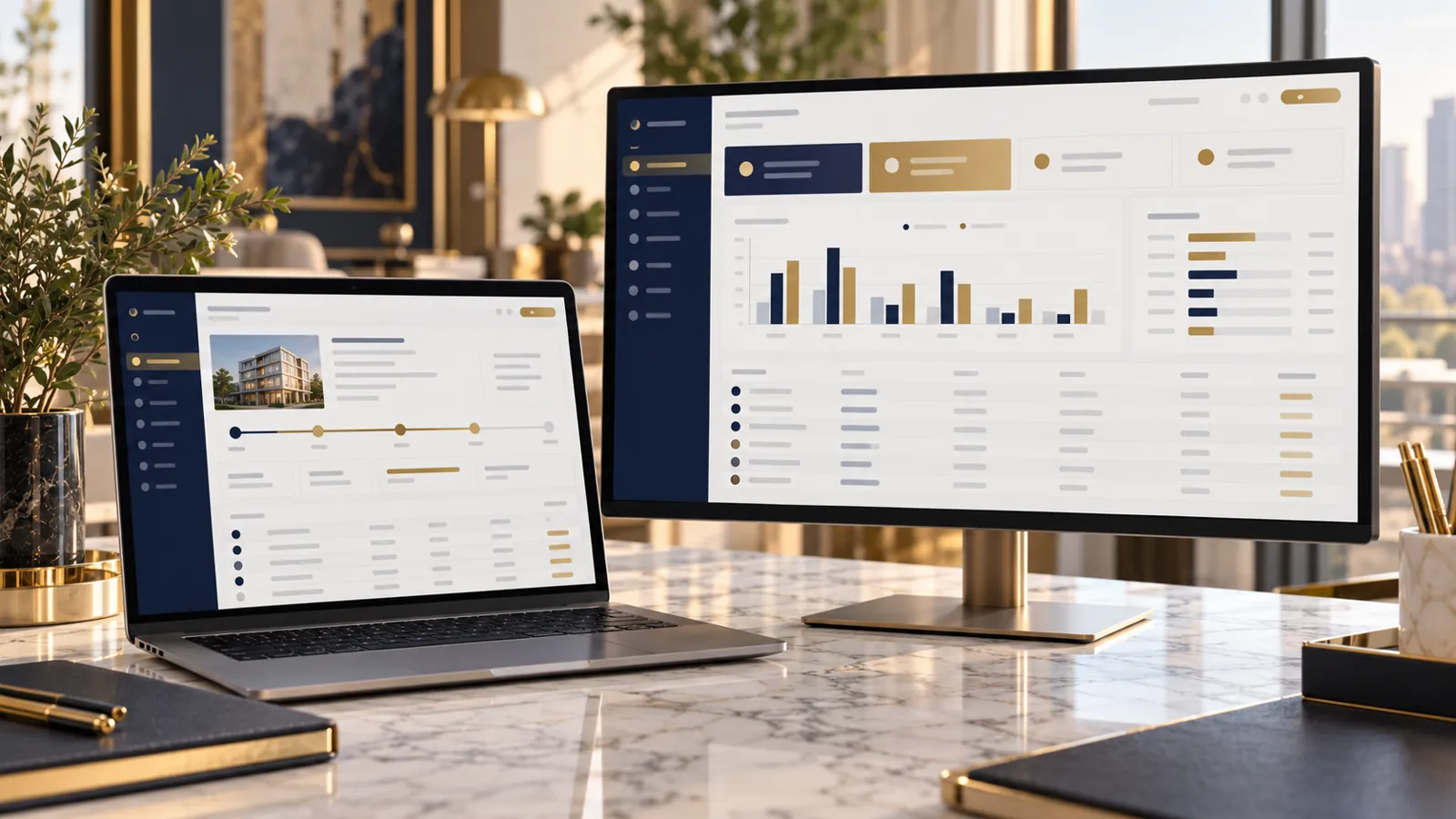 Illustrative data
 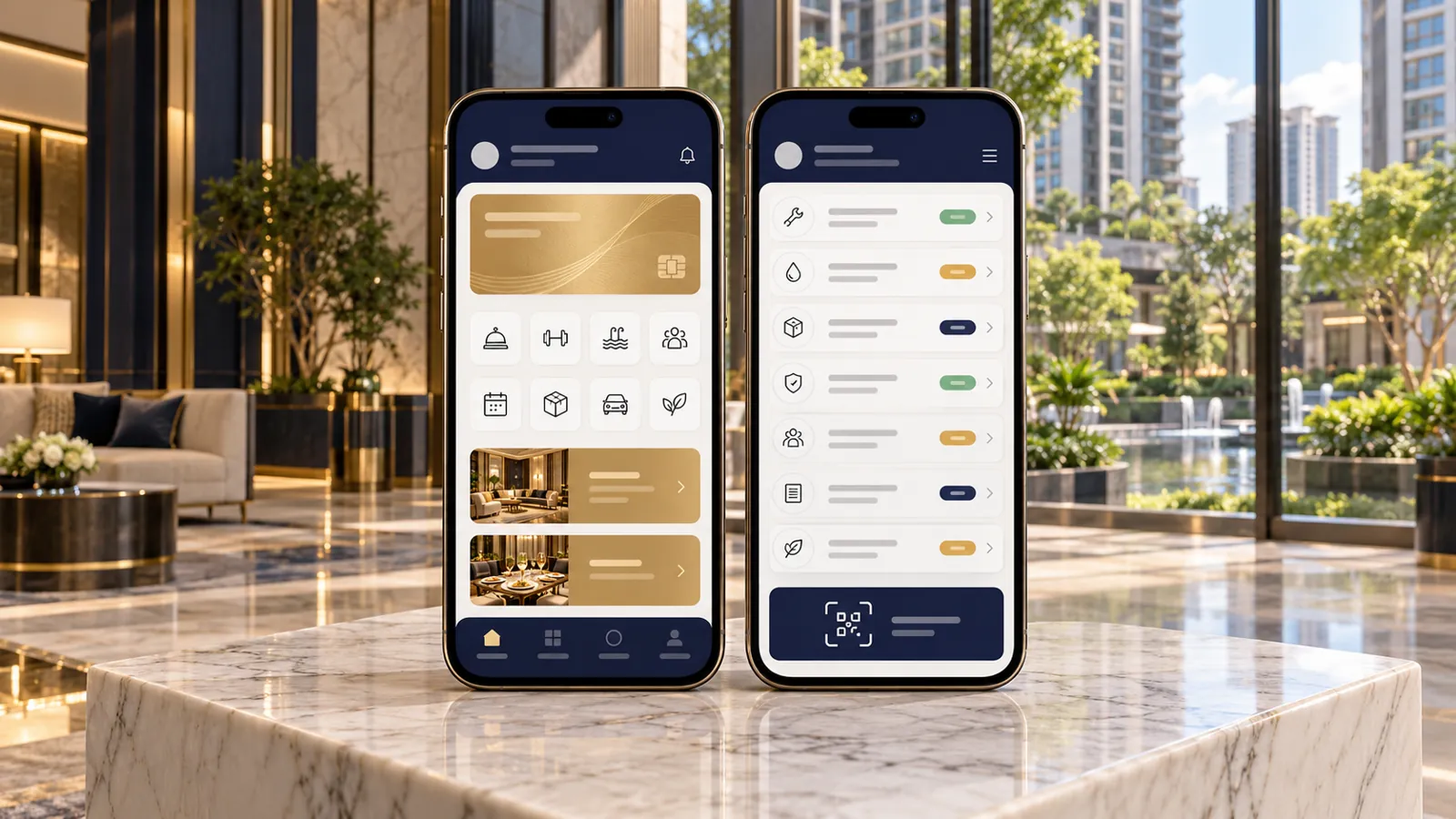 Illustrative data
 An overview of each software group.
Project discovery
Customers explore projects and view products and sales status. Business transactions are handled in the corresponding system.
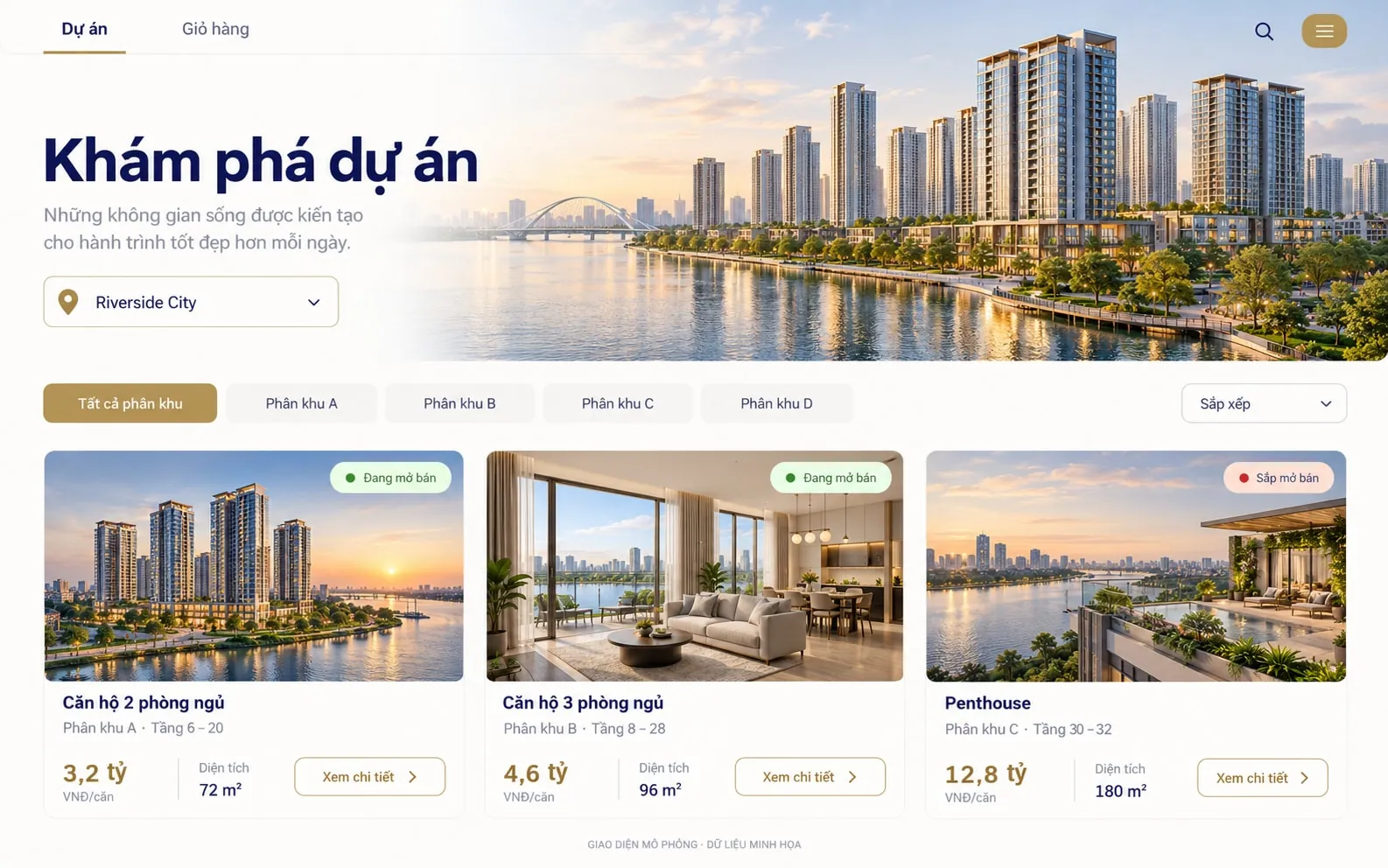 Illustrative data
 Township, projects and zones in one journey.
Price and sales status right on the inventory.
News content connected from CMS.


Booking & commission
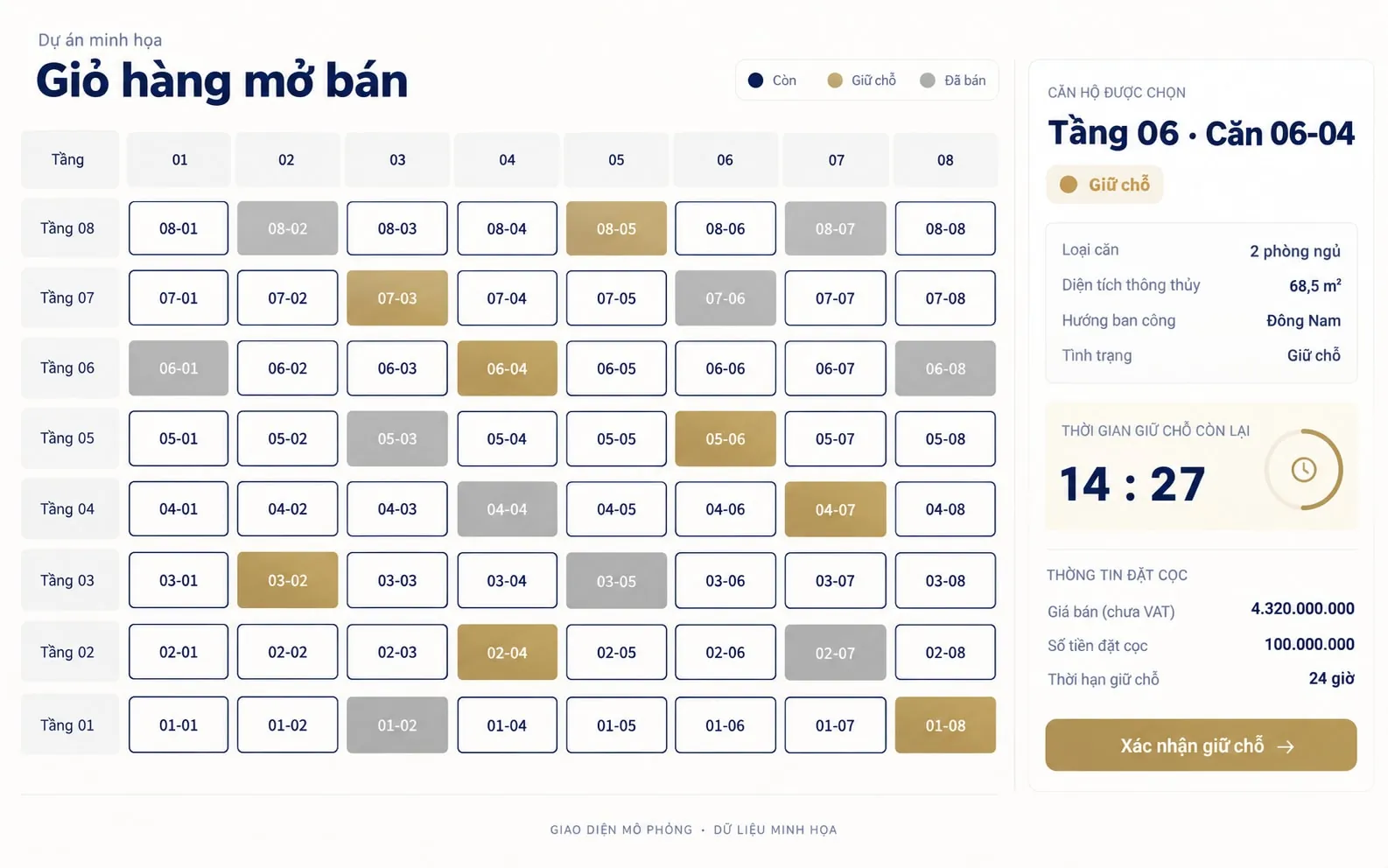
A sample launch inventory showing product status, the unit being selected and the reservation payment step.
 Illustrative data
 Track available, reserved and sold status.
Pick directly or by booking turn and QR check-in.
Agency and Admin each have their own scope of action.




Contracts & receivables
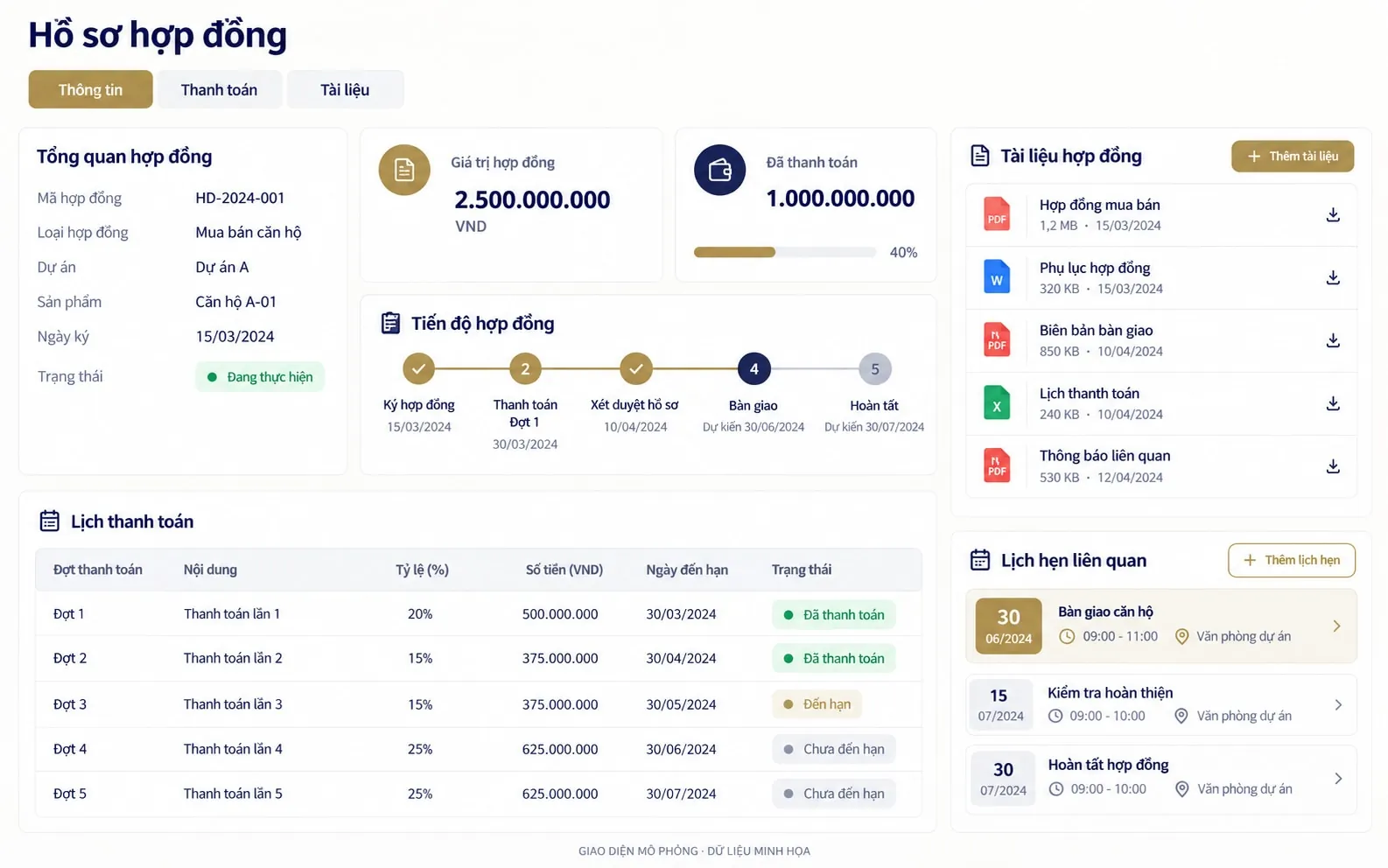
A sample contract record showing the payment schedule, progress, documents and transaction milestones. No real customer data is used.
 Illustrative data
 Products, customers and contract operations.
Amounts due, receivables, interest and adjustments.
From deposit proposal to handover and title deed.



Residents & assets
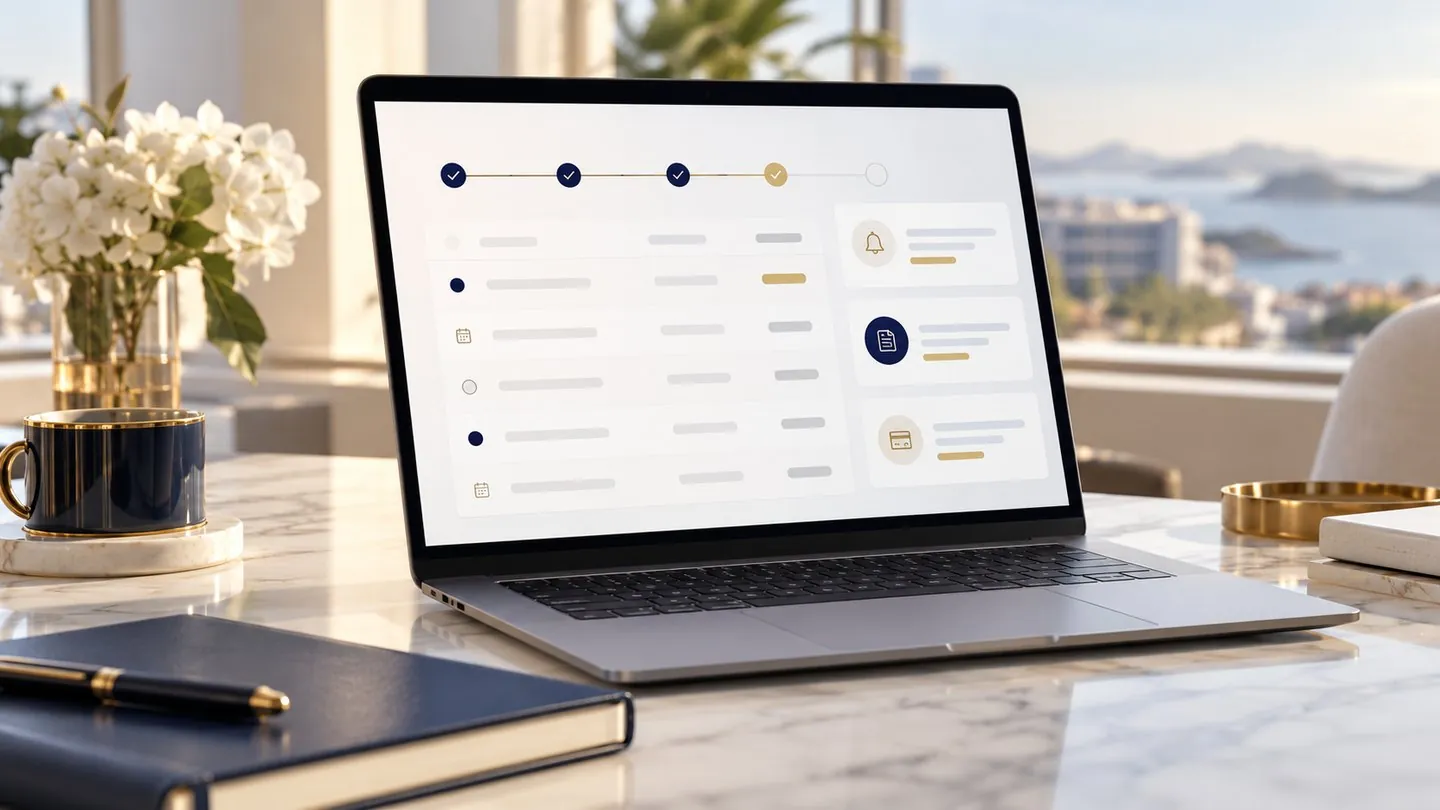
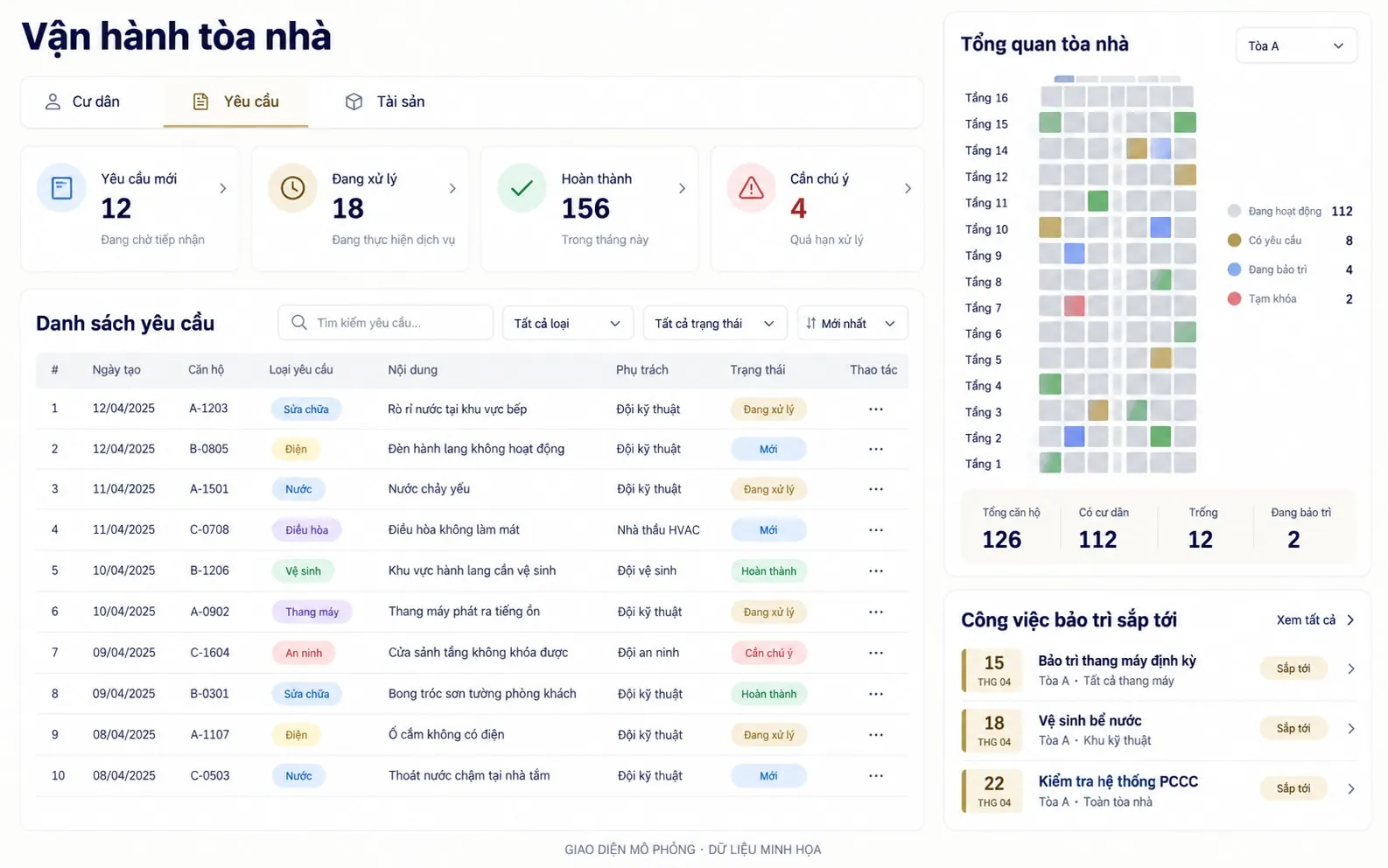
Try the product with resident requests and operations tasks. Pick a module to explore the scope of Residence, CPMSCPMS: Building operations management and Leasing.
 Illustrative data
 Receive, assign and track resident feedback.
Equipment, maintenance, checklists and incidents.
Spaces, lease contracts and collection schedules.




Customer engagement
A sample console showing the member, voucher and event modules. No point-gifting or birthday reward mechanism is added.
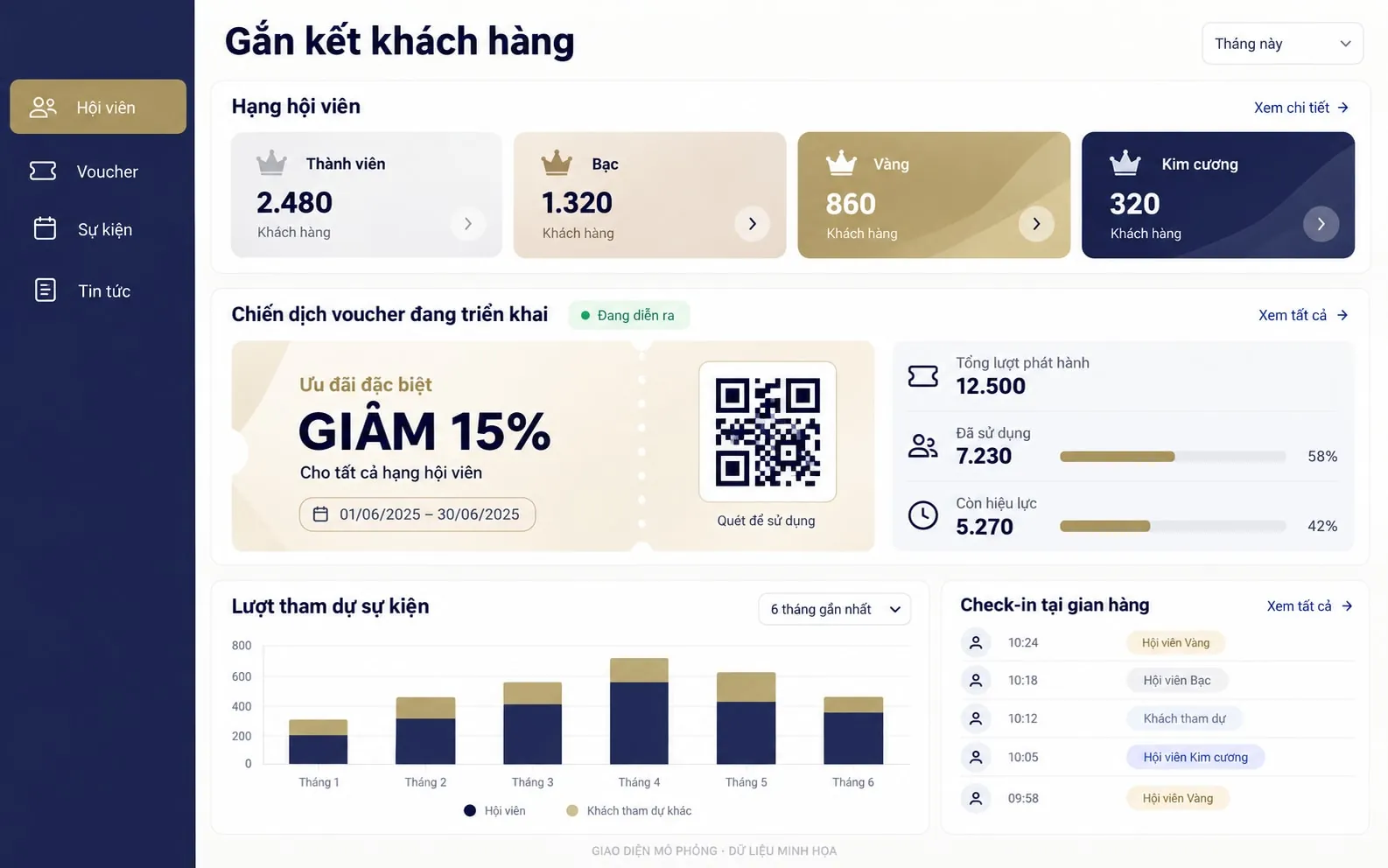 Illustrative data
 Tiers, groups, history and benefits.
Issue, receive and redeem vouchers.
Gate check-in, booths and voucher eligibility.




Customer app
Three mockup screens of the customer journey: home, contracts and support. Not a screenshot of any specific customer's app.
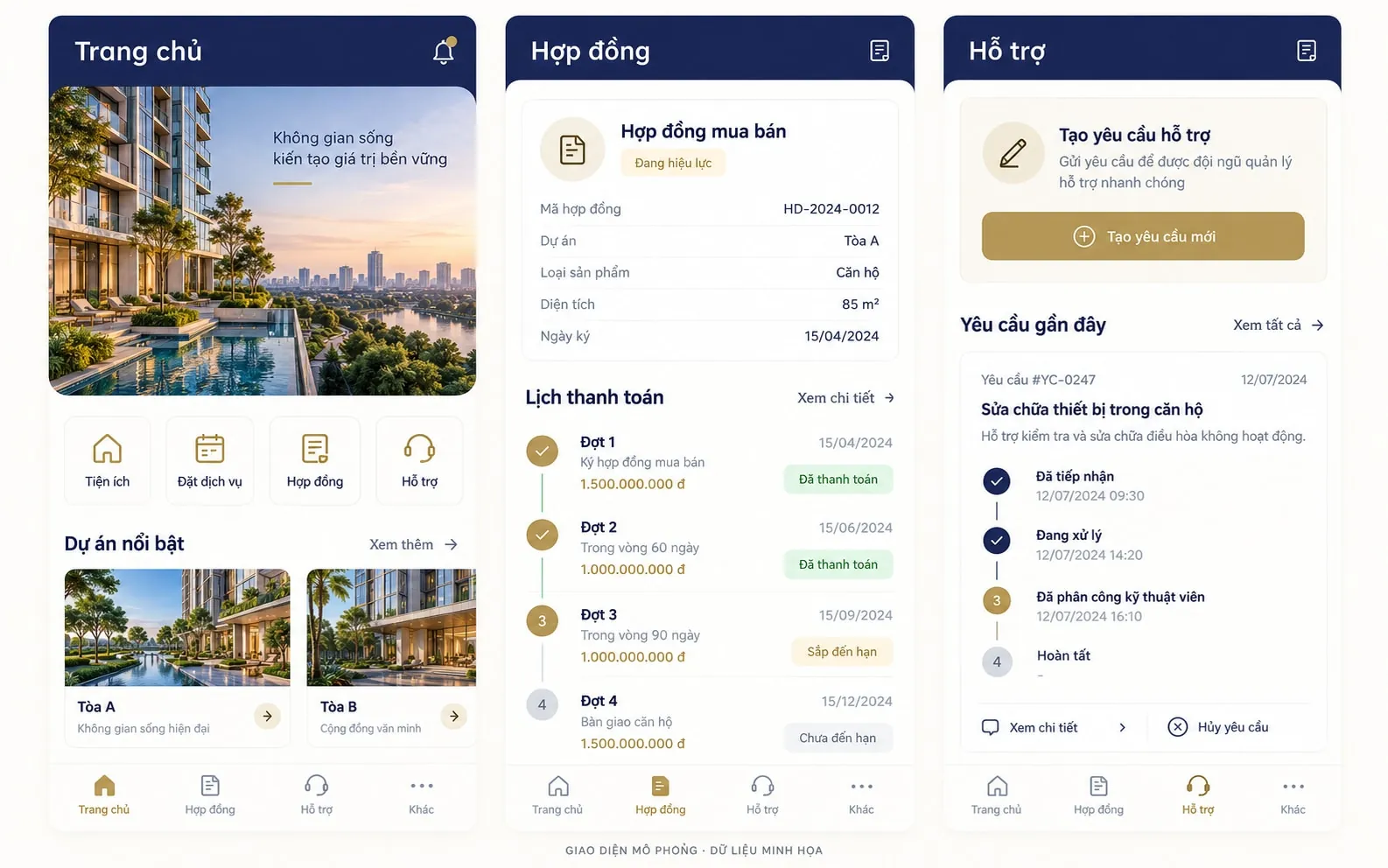 Illustrative data
 Explore projects and product information.
Booking, contracts and payment schedules.
Resident services, support requests and events.
More images


Performance & KPI
A sample KPI dashboard showing the evaluation cycle and target completion. Peer review and 360° evaluation are not included.
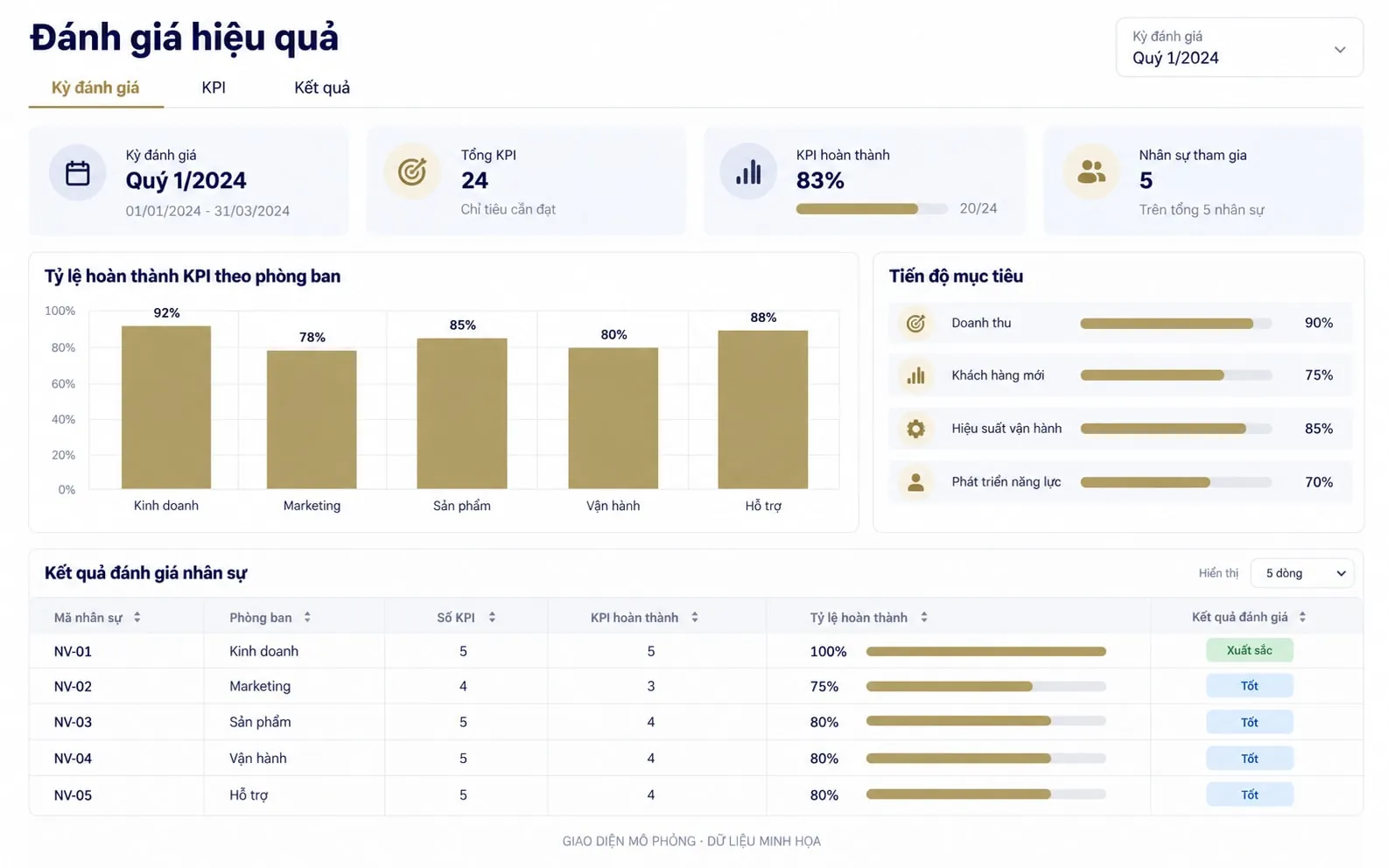 Illustrative data
 KPI library, weights and evaluation cycles.
Self-evaluation, manager evaluation and approval.
Ratings, reports and handling of feedback on results.



Approval & procurement
A sample approval flow showing the chain PRPR: Purchase request → Approve → POPO: Purchase order → MIGOMIGO: Goods and services receipt → IPCIPC: Payment, advance, settlement, PO liquidation. Actual roles and conditions are set up according to your company's process.
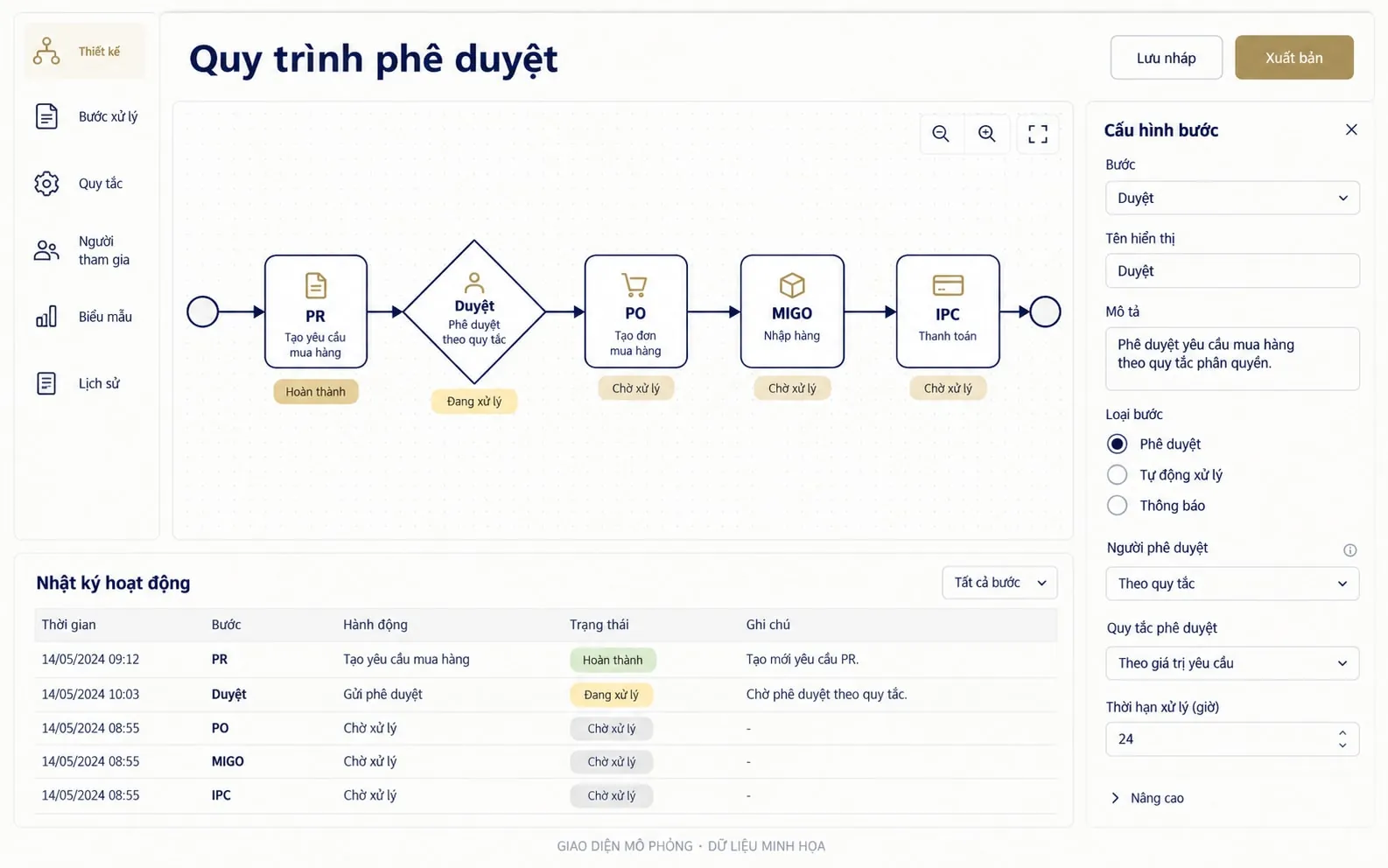 Illustrative data
 Approval steps, conditions, roles and delegation.
Forms, attachments and processing history.
WBS, PR, PO, MIGO and IPC.


Figures, project names and records shown in the interface are illustrative data.
Want to see the workflows on a live system?
Book a session so Pico can prepare demo content around your business challenge and user roles.