
Clear process. Controlled approval.
Workflow Approval · Internal approval & procurement
Combine approval flows, dynamic forms and the procurement chain from PRPR: Purchase request and POPO: Purchase order to acceptance and payment.
● Ready to use · Configured to your rollout scope
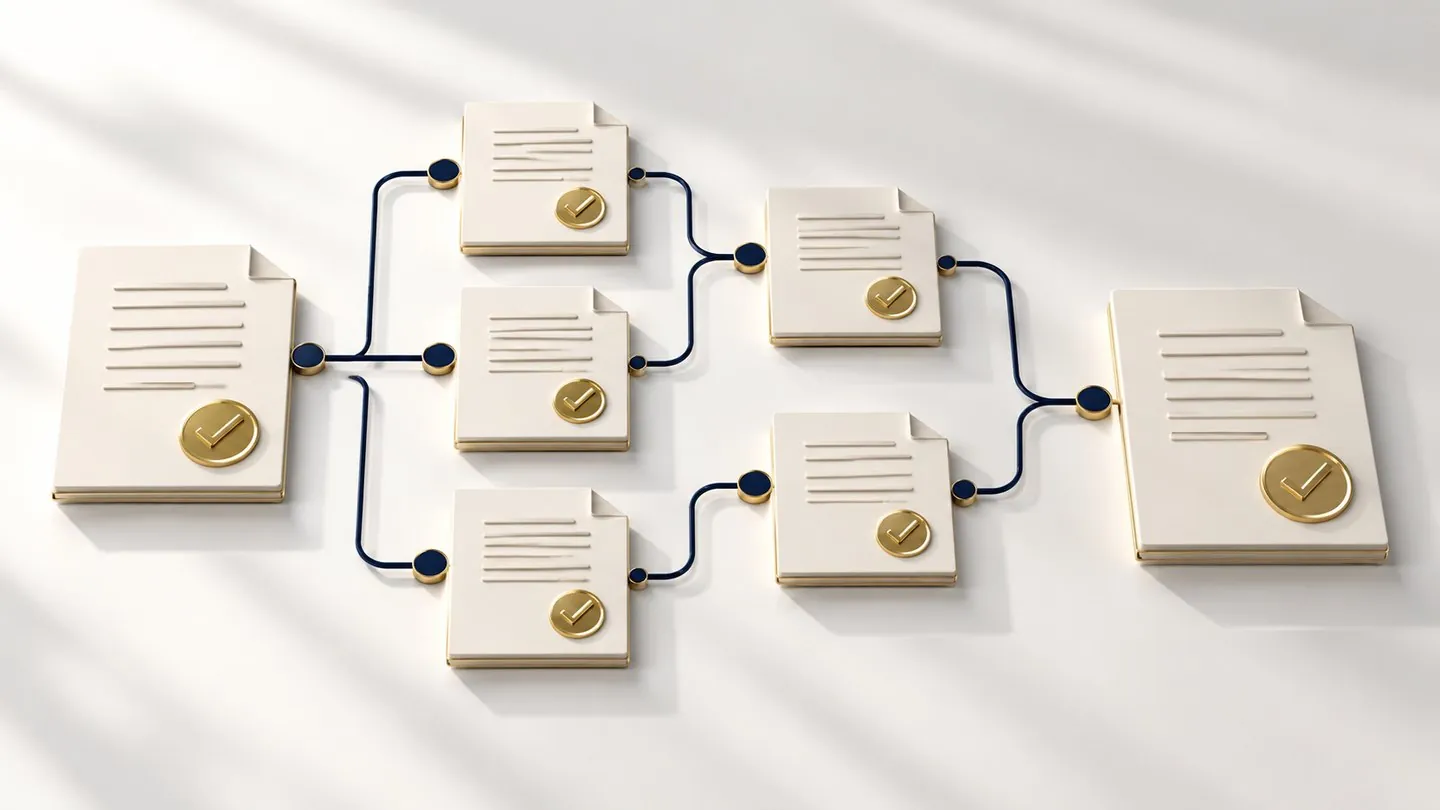
- 01
Clear approval flow
Approval steps, conditions, roles and delegation.
- 02
Clear records
Forms, attachments and processing history.
- 03
Clear procurement
WBSWBS: Work / budget breakdown structure, PRPR: Purchase request, POPO: Purchase order, MIGOMIGO: Goods and services receipt and IPCIPC: Payment, advance, settlement, PO liquidation.
Clear workflows.
Scope that is easy to grasp.
Explore the details group by group.
Approval +
- Set up approval flows
- Dynamic forms
Procurement operations +
- WBSWBS: Work / budget breakdown structure
- Activity
- Purchasing Request
- Purchasing Order
- MIGOMIGO: Goods and services receipt (goods/services receipt)
- IPCIPC: Payment, advance, settlement, PO liquidation: payment, advance, settlement, POPO: Purchase order liquidation
Approval flows and forms +
- Approval levels by individual, title, department or group
- Branching, sequential, parallel and return-for-revision
- Deadlines, reminders and delegation
- Dynamic fields, display conditions and attachments
- Process versions and processing log
Procurement: purchasing +
- WBSWBS: Work / budget breakdown structure, Activity and procurement plans
- Purchasing Request: proposal and approval
- Purchasing Order: issuing and amendment
- MIGOMIGO: Goods and services receipt: goods or services receipt
- IPCIPC: Payment, advance, settlement, PO liquidation: advance, payment, settlement and POPO: Purchase order liquidation
See the software
at work.
Hover, click and step through as you would in real use. Sample data.
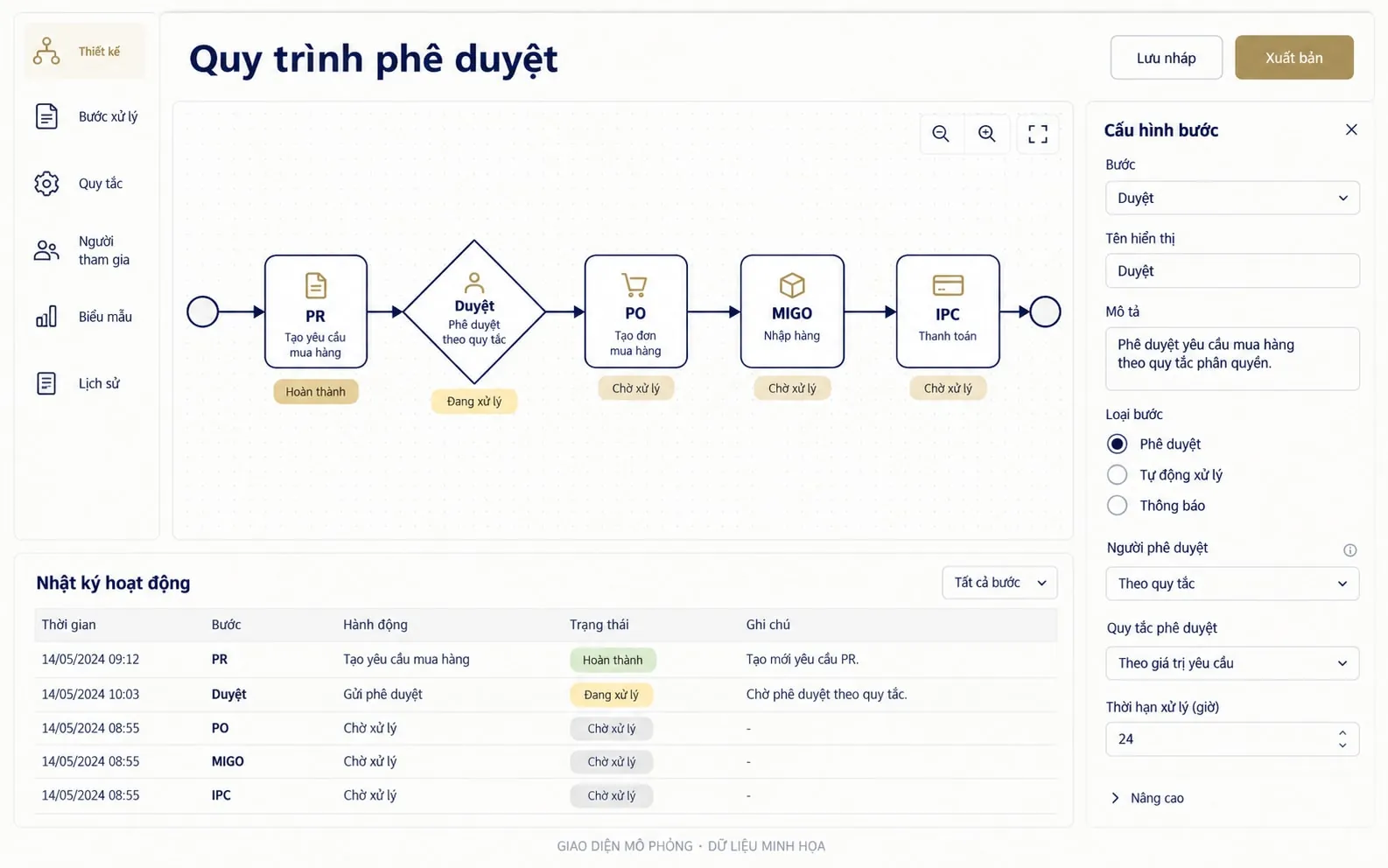
Conditional approval flow, processing log and the PR → PO → MIGO → IPC chain.
See Workflow Approval features →- Request (PR) (done)Operations Dept
- Department Head (done)Level 1 approval
- 3Accounting (current step)WBS budget check
- 4DirectorValue over VND 500 million
- 5Purchasing OrderIssue PO
- 6MIGOGoods receipt
- 7IPCPayment / settlement
Value above VND 500 million → add a Director level. Below the threshold, the PR goes straight to PO issuance.
Dynamic formThe “Comparison quote” field is required when the value is above VND 100 million.
- 01/10 09:12Nguyễn T. created PR-2026-031 with 3 quotes attached
- 01/10 15:40Operations Department Head: Approved
Step by step through the workflow.
- 1
Purchasing Request
Purchase proposal.
- 2
Approval
Follows the configured flow.
- 3
Purchasing Order
Issue the POPO: Purchase order.
- 4
MIGOMIGO: Goods and services receipt
Acceptance.
- 5
IPCIPC: Payment, advance, settlement, PO liquidation
Payment, advance, settlement, POPO: Purchase order liquidation.
- Requesters
- Approvers
- Procurement and accounting teams
- Web · Approval flows and forms
See every experience clearly.
Browse images by workflow. Click an image to see it in detail.


Fits the way you work today.
SAP S/4HANA: two-way sync of procurement and payment vouchers.
Let us talk about approval & procurement.
Start from the workflow, user roles and the systems your business already runs.